
 ChatGPT
TL;DR
- This is about verifying the listing itself on Google Maps, the step where Google asks for a video before your profile goes live. For most contractors the video is now the only method offered.
- It is a different thing from Google Verified, the green badge on Local Services Ads, which has its own guide.
- The video must be recorded live inside the Business Profile app, unedited, at least 30 seconds, in one take.
- It has to show three things: where the business is (a street sign or house number), what the business is (branded truck, tools, permits, a utility bill in the business name) and that you run it (open the shop, open the van, pull up the license).
- Review takes up to five business days. If it fails, Google tells you why, and you can film again.
Nine contractors out of ten who ask us for help with a Google Business Profile are stuck at the same door. They created the listing, filled in the services, uploaded photos, and then Google asked for a video and rejected it. The listing sits unverified, invisible on Maps, while the competitor with a worse website takes the calls.
This guide covers the video step and only the video step: what Google's own requirements say, the parts they leave out for a service-area business, why videos get rejected, and what to do on the second attempt. It stays away from LSAs entirely. If the badge you want is the green shield that says Google Verified next to your ad, close this and read the Google Verified for contractors guide instead, because that is a background check and licensing process run by a different team at Google.
Which verification you are actually being asked for
Google lists seven ways to verify a Business Profile: phone or text, email, a live video call with a support representative, a postcard by mail, a video recording, instant verification through Search Console, and bulk verification for chains. You do not get to pick. Google decides which methods to show based on the business type and how much it already trusts the listing, and for a new service-area business with a home address, the list usually has one item on it.
That item is the video recording. It has replaced the postcard for most new listings because a postcard proves that somebody can receive mail at an address, and a video proves the business exists. If you see the postcard option, take it; Google says most codes arrive within 14 days and expire after 30. If you see only the video, the rest of this guide is for you.
What Google says the video must contain
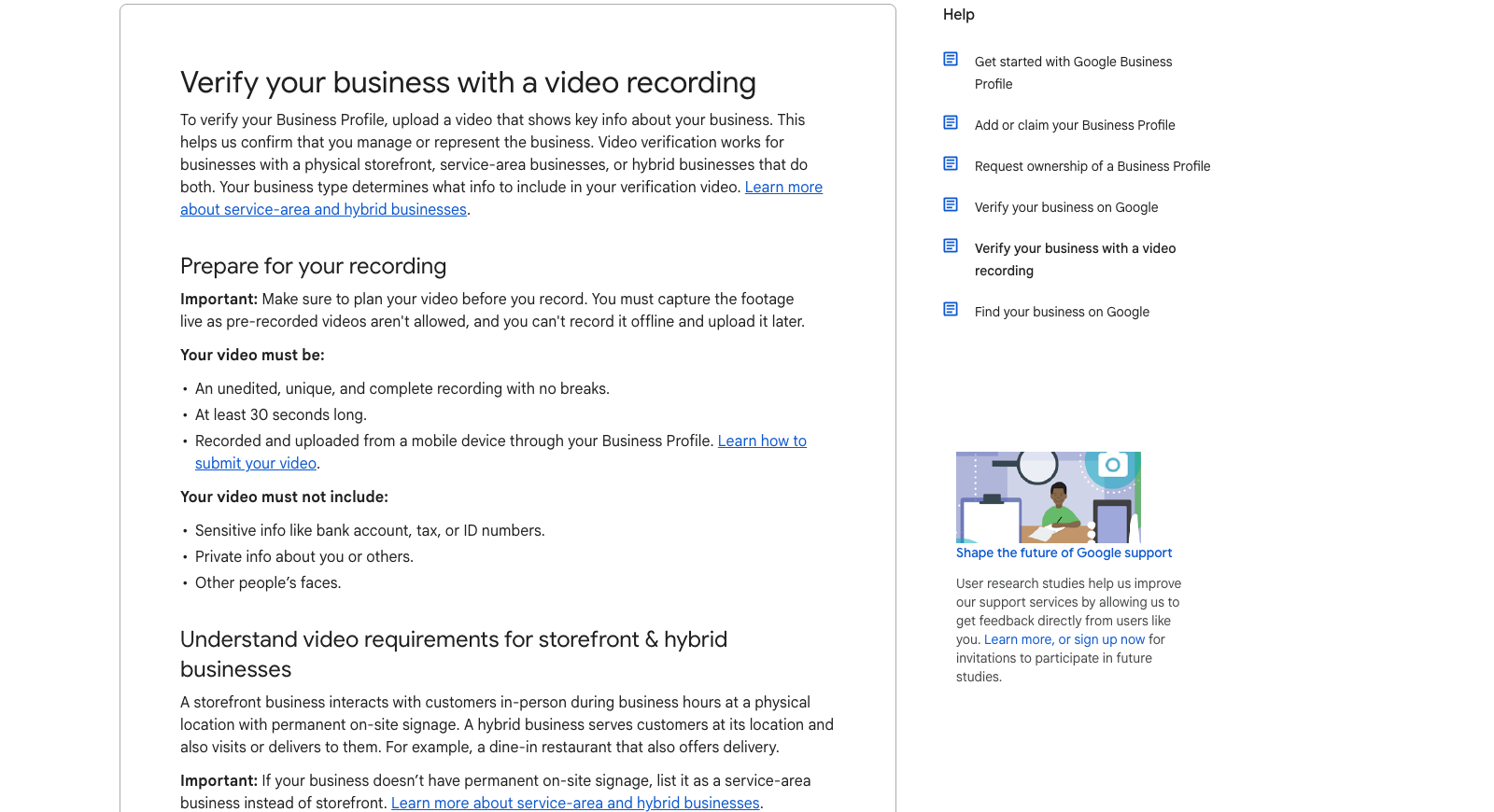
Google's requirements come in two halves. The first is about the file. It has to be an unedited, unique, complete recording with no breaks, at least 30 seconds long, recorded and uploaded from a mobile device through the Business Profile itself. Pre-recorded videos are not accepted, and you cannot film it offline and upload it later. It must not include sensitive information like bank, tax or ID numbers, private details about you or anyone else, or other people's faces.
The second half is about what the footage has to prove. Google names three things. Your location, shown with street signs, building numbers or nearby businesses that confirm where the profile says you are. Your business, shown through products, branded equipment, marketing materials or the tools you use to serve customers. And your management of it, shown by accessing employee-only areas or business-only items, which for a storefront means the register, the kitchen or the stockroom.
For a service-area business the help page adds the version that applies to almost every contractor. Show where the business operates by recording the street signs and landmarks at your business address. Show professional tools, equipment or products. Prove management by performing a service or accessing business-only assets. And documentation such as permits or utility bills matching the Business Profile name is acceptable as evidence.
Pro tip
Film in one continuous walk in this order: street sign or house number, then the truck with the lettering in frame, then the tools in the truck, then the license or a utility bill held steady for five seconds with the business name legible. That sequence hits all three requirements in about 45 seconds and gives the reviewer nothing to guess at.
Why contractor videos get rejected
Google does not publish a rejection list. It does say that when a video is not accepted it will share the reasons, and that when the "Get verified" button reappears on the profile it means the business could not be completely verified. The patterns below are what we see when we review the failed attempts contractors send us.
The name on the truck is not the name on the profile. If the profile says "Anderson Plumbing & Heating LLC" and the van says "Anderson Plumbing," the reviewer sees two businesses. Match the profile name to the name on your vehicles and your license exactly, with the same suffix or none, before you film.
The video shows a house and nothing else. A home-based business filmed from the driveway with no truck, no tools and no document is a house. Google has no way to tell it from any other house on the street, and the video fails on the second and third requirements at once.
The address type is wrong. A contractor who listed a home address as a storefront gets judged against the storefront rules, which require permanent on-site signage. Google says it plainly: if there is no permanent signage, list as a service-area business instead. Fix the address type first, then film.
The recording is too short, or cut. Under 30 seconds fails automatically. So does anything that looks edited, including stopping and restarting, because the requirement is one complete take with no breaks.
The document does not match. A utility bill in a personal name, an LLC certificate with a different name, or an old address will not count. The document has to carry the business name as it appears on the profile.
The second attempt
Read the reason Google gives before filming again. If it is a name mismatch, change the profile to match the truck and the license, wait for the edit to save, and record from the same phone. If it is location, film the street sign and the house number in the first ten seconds, not the last. If it is proof of management, open something that only the business can open: the van, the shop, the toolbox, the login on a job-management app with the business name visible.
Manager-level access is enough to start the process. Google's own wording is that "business owners or authorized representatives" may verify, and a manager on the profile can trigger it, which matters if the owner is in the field and the office manager is the one holding the phone.
Two things to avoid on the retry. Do not create a second listing to get a fresh start, because the duplicate will be found and merged or suspended, and our duplicate profiles guide covers how much that costs to undo. And do not change the category, the phone number or the address between attempts unless the rejection reason told you to, because Google notes that changes to business information may require re-verification and you will reset the clock.
Stuck on the second rejection?
We verify and run Google Business Profiles for home service contractors, and the video is the first thing we fix. Send us the rejection reason and we will tell you what to film.
After it passes
Verification is the beginning of the profile's life, and the two weeks after it are when the listing is most fragile. A newly verified service-area business that immediately adds a keyword-stuffed name, a wide service radius and a category it does not serve is the profile most likely to be suspended, and the suspension guide explains why contractors get caught more than most. Keep the name clean, set the service area to where you actually work, and spend the first month on reviews and photos.
The full setup, categories, services and posting cadence are in how to optimize your Google Business Profile, and the review push that turns a verified listing into a ranking one is in the 100 Google reviews playbook.
Three to skip
Paying someone on a freelance site to "verify your listing." They cannot do it from outside your business, and the ones who claim to are either creating a listing at a fake address or asking for your login. Both end in suspension.
Filming a professional-looking edited video. The requirement is the opposite of polish. One shaky continuous take from the phone that owns the profile beats anything cut together on a laptop, which will be rejected on sight.
Waiting more than a week for a decision before doing anything. Google says up to five business days. If nothing has happened by day seven, open the profile, check whether the "Get verified" button has come back, and if it has, read the reason and film again rather than waiting on a queue that has already returned.
Want the whole profile handled?
Verification, categories, service area, reviews and monthly posts, run for you, with the map pack rank tracked on the terms that bring calls.
Frequently asked questions
Is Google Business Profile verification the same as Google Verified?
No. Business Profile verification is the process that makes your listing live on Google Maps and Search, and for most contractors it now means recording a video. Google Verified is the green badge attached to Local Services Ads, which requires a license check, insurance and a background check and is run separately. You can have a verified listing without the badge, and the badge process does not verify your listing.
What does the verification video need to show?
Three things in one unedited take of at least 30 seconds: your location (a street sign, building number or nearby business), your business (branded vehicles, tools, equipment, or a permit or utility bill in the business name) and that you manage it (accessing employee-only areas or business-only items, or performing a service). It must be recorded live from a mobile device inside the Business Profile and must not show other people's faces or any sensitive numbers.
How long does video verification take?
Google says review takes up to five business days after upload. If the video is rejected, Google shares the reasons and you can record a new one. If the "Get verified" button reappears on your profile, the business could not be completely verified and you need to try again.
Why was my video verification rejected?
Google gives a reason with each rejection. The common ones we see for contractors are a business name on the truck or license that does not match the profile, a home-based listing that shows a house and nothing else, a home address listed as a storefront when there is no signage, a recording under 30 seconds or with cuts, and a document in a personal name rather than the business name.
Can a service-area business with no office verify by video?
Yes, and that is the case Google's help page addresses directly. Record the street sign or landmark at the business address, show professional tools, equipment or products, and prove management by performing a service or accessing business-only assets. Permits or utility bills that match the profile name count as documentation. List the address as a service-area business, not a storefront.
Can a manager verify the profile, or does it have to be the owner?
Google's wording is "business owners or authorized representatives," and a manager with access to the profile can start the verification process. In practice the person holding the phone at the shop or the truck is the one who should film, whichever role they hold on the profile.