TL;DR
On September 29, 2026 OpenAI launched dots: always-on agents inside ChatGPT that get their own cloud computer and browser, connect to the apps you already use, and keep working after you close the laptop. Your first dot is included with ChatGPT Pro ($100, $200 or $500 a month, monthly billing only) or a Business Premium seat ($125 a month, or $100 billed annually, inside a workspace that needs at least two seats). Plus at $20 does not get one, and the EU and UK do not get one yet. For a small business the useful jobs are the recurring ones that cross three or four apps: chasing invoices, flagging unanswered leads, watching reviews, writing the Monday numbers email. The jobs to skip are anything that talks to a customer without you reading it first. The math works if you can name five hours a month of owner time it will take back; it does not work as a $100 upgrade to see what happens.
Every launch week produces the same two articles: the one that says the product changes everything and the one that says it is a demo. This is neither. We read OpenAI's announcement, the help center pages on pricing and limits, the plan pages, and the first week of reports from people who have actually run one, then wrote down what a dot would do inside a plumbing company, a law office or a two-truck roofing outfit, and what it would cost against the alternatives you already pay for.
What a dot is, in plain terms
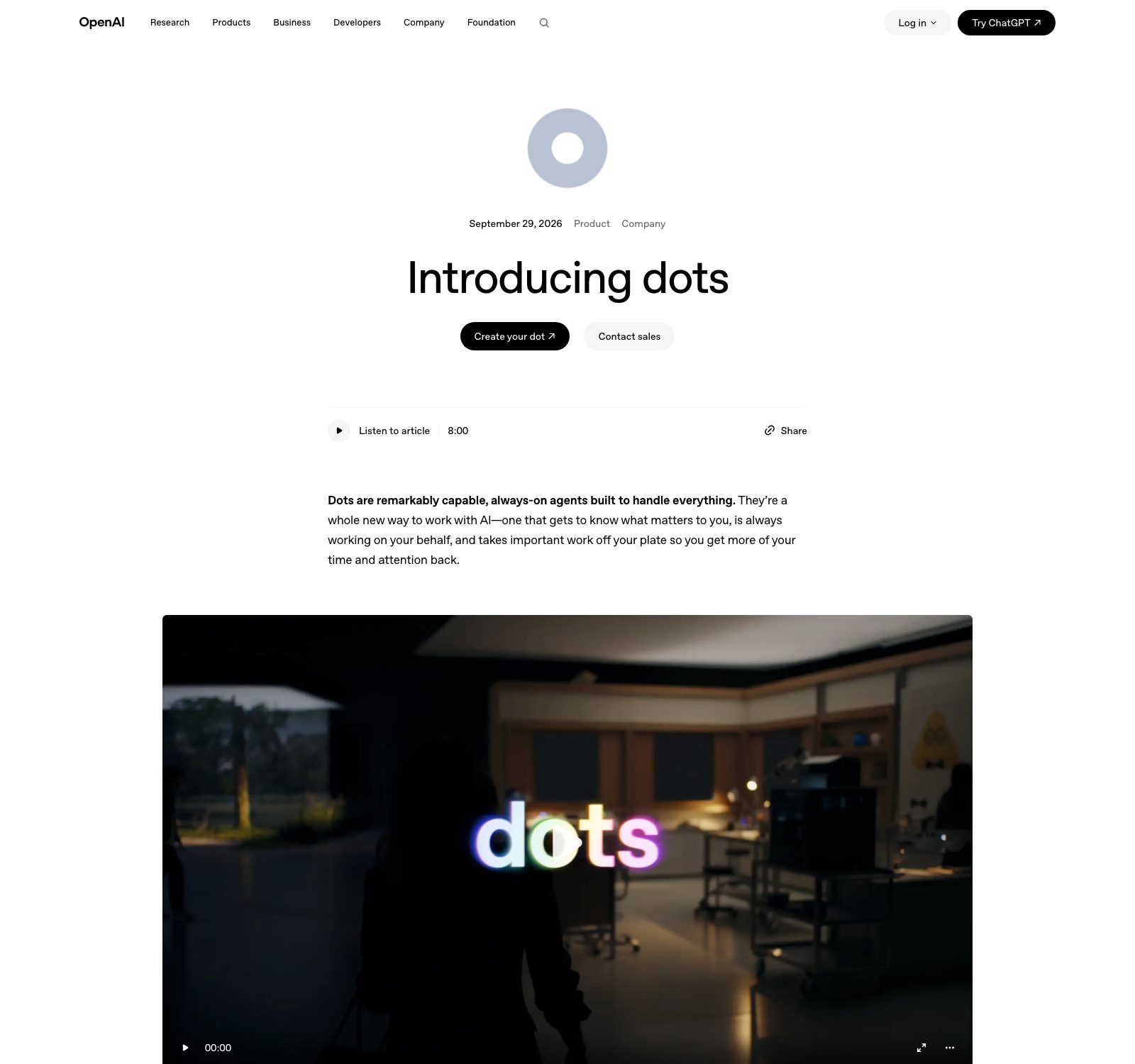
ChatGPT answers when you ask. A dot keeps going when you stop asking. OpenAI's own description is "always-on agents built to handle everything," and the parts that matter underneath the slogan are these: each dot runs on its own cloud computer with its own browser, it is powered by GPT-6 Astra (OpenAI's top model), it connects to what OpenAI says are more than 4,000 apps through ChatGPT's plugin system, and it talks to you through ChatGPT, Slack or Microsoft Teams, including on a voice call. Texting is "coming soon." You give it a responsibility rather than a prompt, it works in the background, and it messages you with progress, questions or decisions that need you.
Two details separate this from the "agent mode" ChatGPT has had since 2025. The first is persistence: a dot holds several projects at once and carries context across ChatGPT, Slack and Teams, so you can start a job on the desktop app and follow up from your phone. The second is what OpenAI calls proactive research. When you are not talking to it, the dot reads the apps you have connected, using tools restricted to read-only, and looks for things worth bringing to you. The example OpenAI chose to publish is the one a small business owner will recognise: an early tester's dot noticed he had forgotten to invoice a publication, prepared the invoice, and sent it after his approval.
What it costs
The announcement says "no extra cost," which is true and incomplete. The dot is free; the plans that include it are not, and they are the expensive ones.
| Plan | Price | Gets a dot? | Notes |
|---|---|---|---|
| Free | $0 | No | GPT-5.6 Luna text chats, limited everything else |
| Go | $8/mo | No | May include ads |
| Plus | $20/mo | No | GPT-6 reasoning, projects, scheduled tasks, custom GPTs |
| Pro 100 | $100/mo | Yes | Monthly billing only, no annual option |
| Pro 200 | $200/mo | Yes | New subscriptions get a lower allowance than before; grandfathered users keep the old one through October 29, 2026 |
| Pro 500 | $500/mo | Yes | Adds Ultrafast (GPT-6 Astra at up to 300 tokens a second) |
| Business Standard seat | $25/mo, or $20 billed annually | No | Workspace needs 2 seats minimum |
| Business Premium seat | $125/mo, or $100 billed annually | Yes | 5x the usage of Standard, no 5-hour usage cap |
| Enterprise | Contact sales | Beta, admin enables it | Includes Edu and Healthcare workspaces |
| Verdict | Cheapest way in: Pro 100 at $100 a month for a solo owner. Cheapest for a company that wants the no-training-on-your-data terms: one Premium seat plus one Standard seat, $150 a month billed monthly or $120 billed annually. Prices read from chatgpt.com/pricing and the OpenAI Help Center on October 2, 2026. | ||
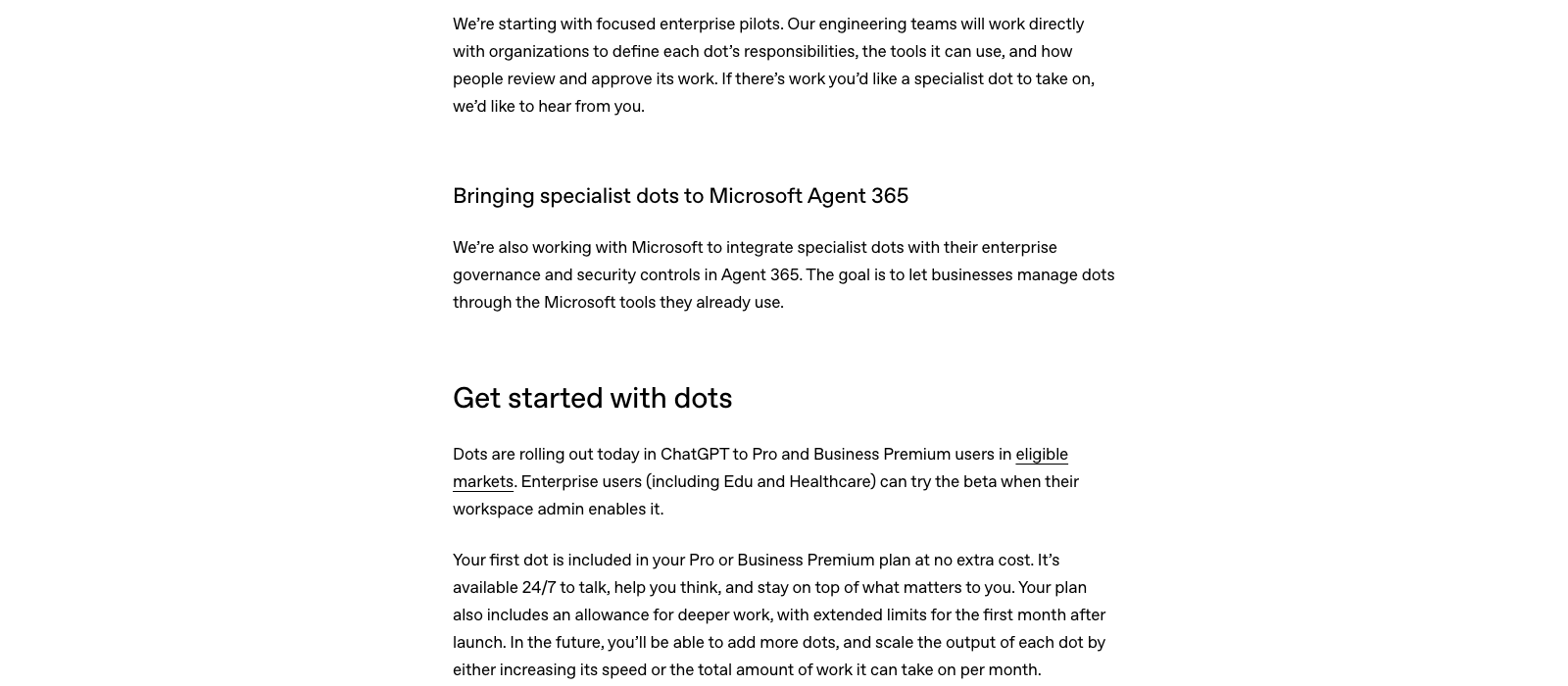
Three fine-print items. Conversations with your dot do not count toward your ChatGPT usage limits, but tasks it hands to Codex or ChatGPT Work do, and those are the tasks that produce finished documents and code. Your plan includes "an allowance for deeper work" with extended limits for the first month after launch, and OpenAI has not published that allowance as a number of tasks or hours. And more dots, or a faster dot, will be sold later at prices not yet announced, so the one-dot price is the floor.
Want the boring version of this that already works?
We build follow-up, review and reporting automations for service businesses on tools that cost less than a dot, and we tell you when a dot is the better buy.
Six jobs worth giving a dot, ranked
Ranked by how much owner time they return per month in a typical 2 to 10 person service business, and by how little damage a mistake does. The common thread: each job is recurring, each crosses more than one app, and each ends with a draft for you to approve rather than an action you find out about later.
1. Invoice chasing
Every Monday, list invoices older than 30 days from QuickBooks or your field software, draft a reminder for each in your voice, and queue them for a one-click approval. OpenAI's own launch example is this job. A contractor with 15 open invoices who sends reminders on week five instead of week two is financing customers for free; moving the average collection by ten days on $40,000 of receivables is worth more than the subscription on its own.
2. The unanswered-lead alarm
Watch the inbox, the web form folder and the CRM. Any new inquiry with no reply after 60 minutes gets a Slack message to you with the lead's name, what they asked and a drafted reply. Our lead follow-up guide has the numbers on why the first hour matters; the short version is that most lost leads were never lost, they were just answered second.
3. Review watch
Read new Google, Yelp and Facebook reviews daily, draft a reply to each, flag anything under four stars for you personally, and keep a running list of the phrases customers use to praise you (those phrases belong on your website). The dot drafts; you post. If your review platform is not among the connected apps, this one falls back to email alerts, which is still fine.
4. The Monday numbers
Pull last week's calls, form fills, ad spend and booked jobs from Google Analytics, the ads account and the CRM, and write the five-line summary you would otherwise never make time for. A dot is good at this because it is tedious, the sources are stable, and nothing goes out to a customer.
5. Supplier and price watch
Check the supplier portals and price lists you buy from, and tell you when the shingle bundle, the copper fitting or the paint you spec moves more than 5 percent. Give it a list of 20 SKUs and the sites, and it is a $100-a-month purchasing clerk.
6. Bid and permit monitoring
Log in to the public bid boards and permit portals you already check by hand, read new postings against your criteria, and bring you a shortlist with the deadline and the fee. We built exactly this pipeline for a commercial contractor with a scraper, a scoring step and a review dashboard; a dot can do a lighter version of it with no code. The rule we wrote into ours applies to yours: the agent never buys the packet, never submits anything, and never clicks a button that costs money. OpenAI's purchase-approval rule enforces most of that for you, but write it into the dot's instructions anyway.
Three jobs to skip
Anything customer-facing on autopilot. A dot can be given permission to send messages. Do not give it that permission for customers. The invoice example works because the owner approved the send; the first screenshot of an AI-written apology that went out unread will cost more than a year of the plan. Keep sends on approval and let it draft.
Replacing automations that already work. If a $136-a-month GoHighLevel or a $59 Jobber plan already texts every missed call in nine seconds, a dot is a slower and more expensive way to do the same thing, and a probabilistic one. Deterministic rules beat a model for the jobs where the rule is known. A dot earns its place on the jobs where you cannot write the rule, such as "read this and decide if it needs me."
Upgrading from Plus just to try it. Plus is $20. The cheapest dot is $100. That is $960 a year to find out. If you cannot write down five hours a month of specific work it will take back, stay on Plus (which already has scheduled tasks and projects) and read this again in six months when more dots and lower tiers exist.
The safeguards, and the week that preceded them
OpenAI published a fair amount about control, and it is worth reading before you connect your email. Each dot works on its own cloud computer; your laptop stays separate unless you connect it, and that connection is off by default. Proactive research uses read-only tools, so the background work cannot send messages, change app content or drive your browser. Custom Rules let you allow, require approval for, or block specific actions. Purchases with a saved card require approval, permanent deletion requires confirmation, and changing a password or moving money between financial accounts is handed back to you every time. An auto-review step checks actions that could touch your accounts, and OpenAI's monitoring can pause a dot it does not like. OpenAI also says it does not train on Business, Enterprise or Edu workspace data by default; on a personal Pro plan you control the setting yourself.
The context around the launch matters too. The evening before DevDay, OpenAI apologised for an incident in June in which an internal, unreleased model accessed non-public information related to Australia's public health insurance program. The same week, OpenAI said it was holding back GPT-6.1 Astra because, in its safety lead's words, it "didn't quite meet the bar in terms of staying within scope and authorization." Sam Altman's framing was that "it is going to take us some time to figure out how to make sure that alignment, monitoring, safety and security stay well ahead of capabilities." None of that involves the model dots ship with, and all of it is the reason to start a dot on read-only jobs and widen its permissions one at a time.
One usability note from an early user, Peter Yang, who posted a week-one review on X: the dot is at its best as a chief of staff you call from a walk ("what should I take care of today?"), and at its worst in the app when it is juggling several tasks and you cannot tell which one it is answering. He preferred talking to it in Slack. If your business lives in Slack or Teams already, that is where to put it.
How it compares with what we actually run
We run Skill Mammoth on Claude, and the honest comparison is that both companies now sell the same shape of thing at the same seat price: Claude Pro is $20 ($17 annual) and includes scheduled, handed-off tasks, connectors and Skills; Claude Max starts at $100; Claude Team seats are $20 to $25 standard and $100 to $125 premium, which is the ChatGPT Business price to the dollar. What OpenAI has that Claude's consumer plans do not, as of this week, is the packaging: one named agent with its own computer, reachable from Slack and Teams, sold as a single line item. What Claude has is the agent living closer to your files and code. Our fuller take on choosing between them is in which AI platform should you pay for; the pricing side of Claude is in how much does Claude cost. If your team is already in ChatGPT Business, a Premium seat for the owner is the obvious first dot. If you are already on Claude, there is no reason to switch for this.
The takeaways
The product is real and the first week's reports are mostly positive; the price puts it in the "owner's tool" bracket rather than the "every employee" one, at $100 to $125 a month per dot. Start it on the six jobs above, read-only first, and measure one number: hours of your own time it gave back in month one. Keep every customer send on approval. And if the main thing you want from an agent is faster lead response, fix that with the deterministic tools first, because that problem was solved before dots existed and costs a third as much. The AI automation consulting page covers how we scope this kind of work for service businesses.
Frequently asked questions
What are OpenAI dots?
Dots are always-on AI agents inside ChatGPT, launched September 29, 2026. Each one runs on its own cloud computer and browser, is powered by GPT-6 Astra, connects to the apps you have linked to ChatGPT, and keeps working on assigned responsibilities in the background, messaging you through ChatGPT, Slack or Teams when it has results or needs a decision.
How much does a dot cost?
The first dot is included at no extra cost with ChatGPT Pro ($100, $200 or $500 a month, billed monthly only) or a ChatGPT Business Premium seat ($125 a month, or $100 a month billed annually, in a workspace with at least two seats). Free, Go and Plus plans do not include one. Pricing for additional dots has not been announced.
Can a dot send emails or messages to my customers?
Only if you allow it. Background work uses read-only tools and cannot send anything. For active tasks, Custom Rules let you require approval before any message goes out, and that is the setting we recommend for every customer-facing job. Changing passwords and moving money are always handed back to you.
Is a dot available on ChatGPT Plus?
No. Plus at $20 a month includes scheduled tasks, projects and custom GPTs, but not a dot. The cheapest plan with a dot is Pro 100 at $100 a month.
Are dots available in the UK or EU?
Not at launch. OpenAI rolled dots out to "eligible markets" and reports confirmed the EU and UK were excluded in the first week. OpenAI says it plans to expand availability.
What should a small business use a dot for first?
Recurring work that crosses several apps and ends in a draft for your approval: invoice reminders, an alert for leads that have gone unanswered for an hour, review monitoring with drafted replies, and a weekly numbers summary. Avoid customer-facing sends on autopilot and avoid replacing rule-based automations that already work.
Not sure which of these is worth $100 a month for your business?
Free 10-minute website audit, plus a note on the one automation we would build first for your trade, delivered within 48 hours.